


Physical rails
See MTR rails on your map, matching what you built in the world.
Routes, rails and stations from Minecraft Transit Railway, right inside your fullscreen map.
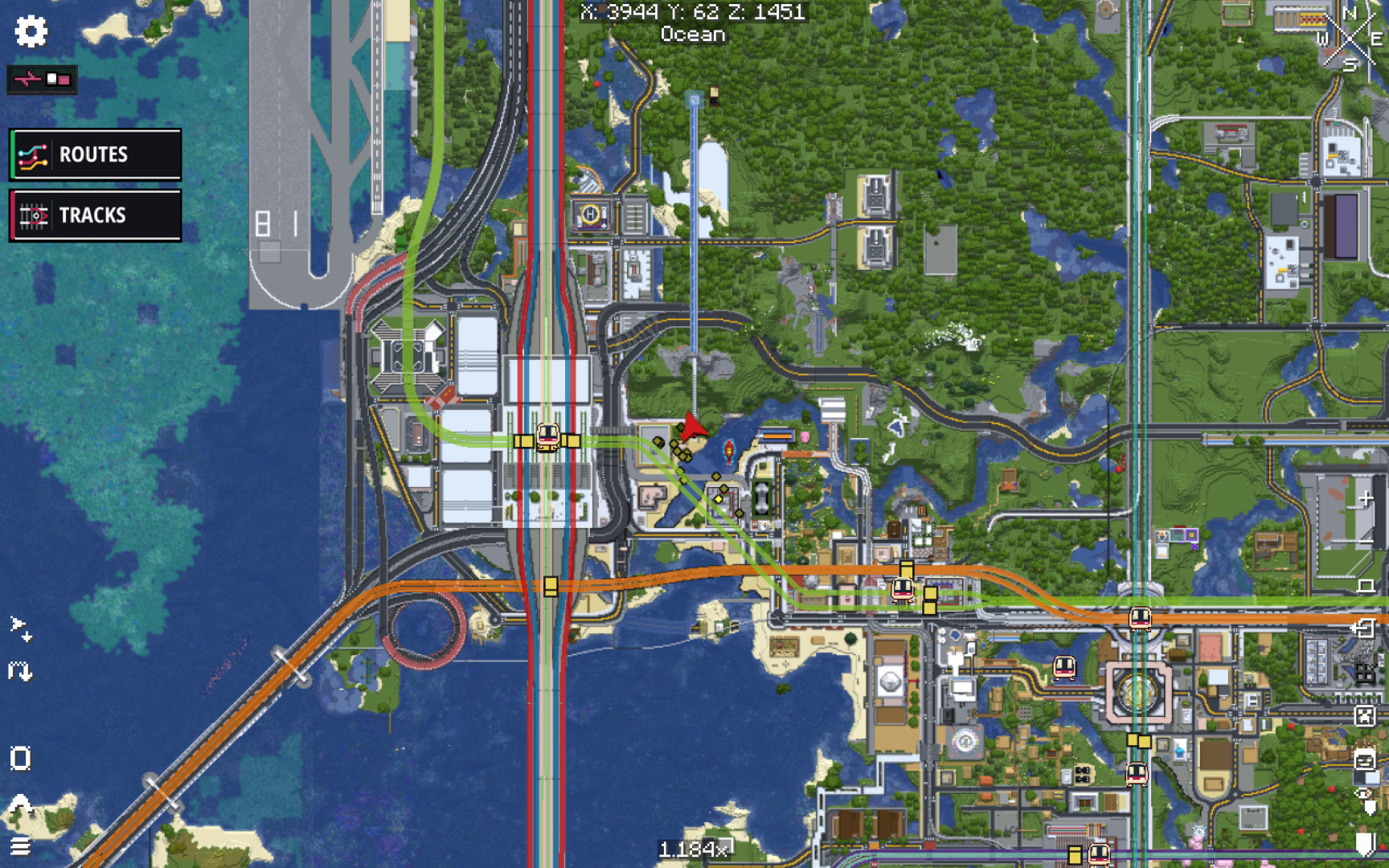
See MTR rails on your map, matching what you built in the world.
Each MTR route is shown in its colour, making your network easy to follow.
Find stations, platforms and depots on the map, even if they aren’t visible in the world.
Works with the most popular Minecraft map mods.

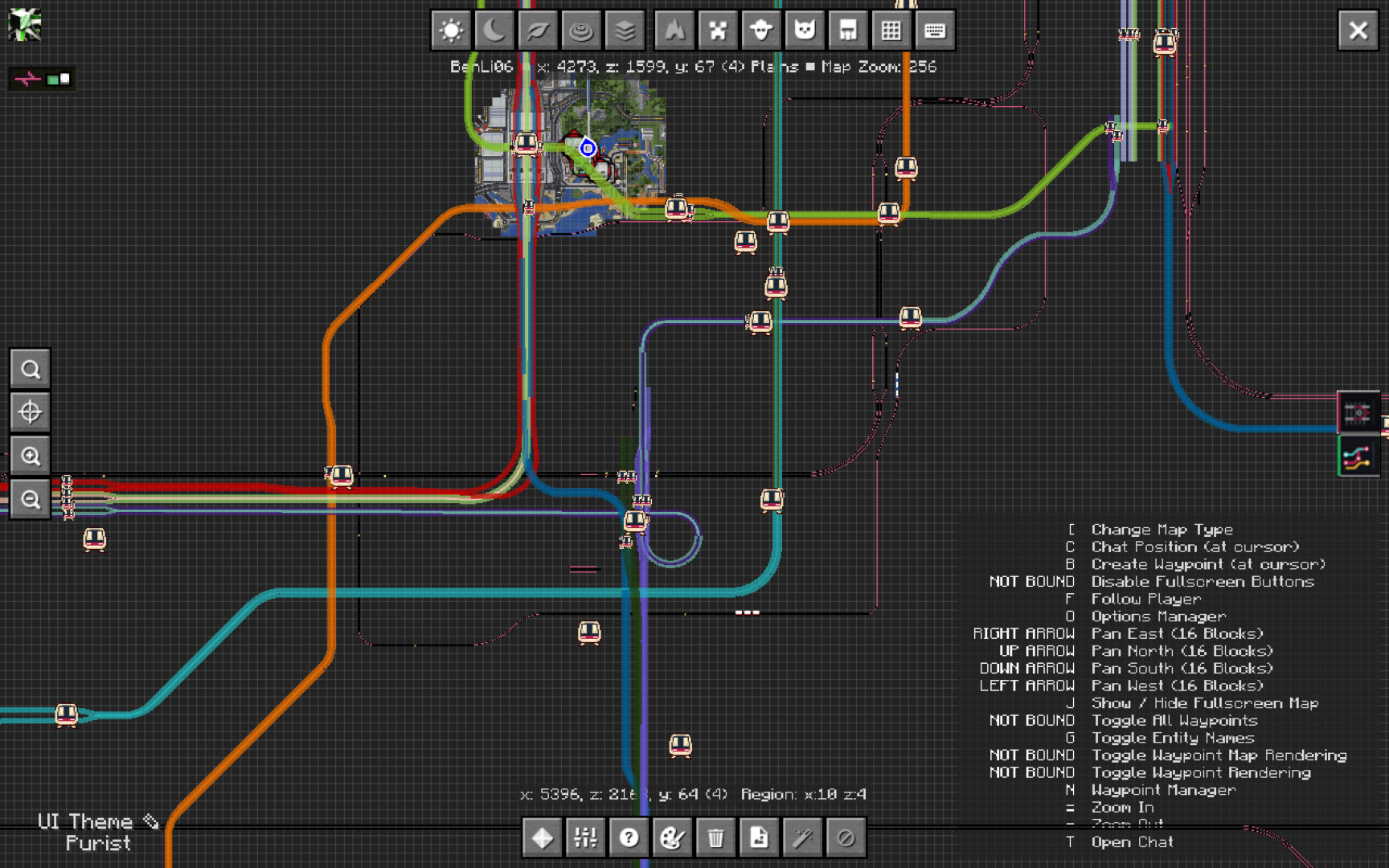
See your MTR network on Xaero’s World Map with routes, rails and station markers.

See your MTR network on JourneyMap with routes, rails and station markers.
Make sure you have the following before installing MTR Map Overlay.
 Minecraft1.21.1
  Java21
 NeoForge / FabricSupported
  Minecraft Transit Railway4.1.0-beta.2
 Get the latest version on GitHub. Other platforms are under review.